ChatGPT fabricates trial testimony, leading to $5,000 lawyer fine
Alex da Cruz
Alex da Cruz is a full-stack developer based in São Paulo, Brazil. He works with React, TypeScript and automation, and uses AI daily to solve real problems in code and operations — not as a demo. He has run an e-commerce operation end to end, and now builds and maintains the automation pipeline behind this blog. He writes about what he actually tests.
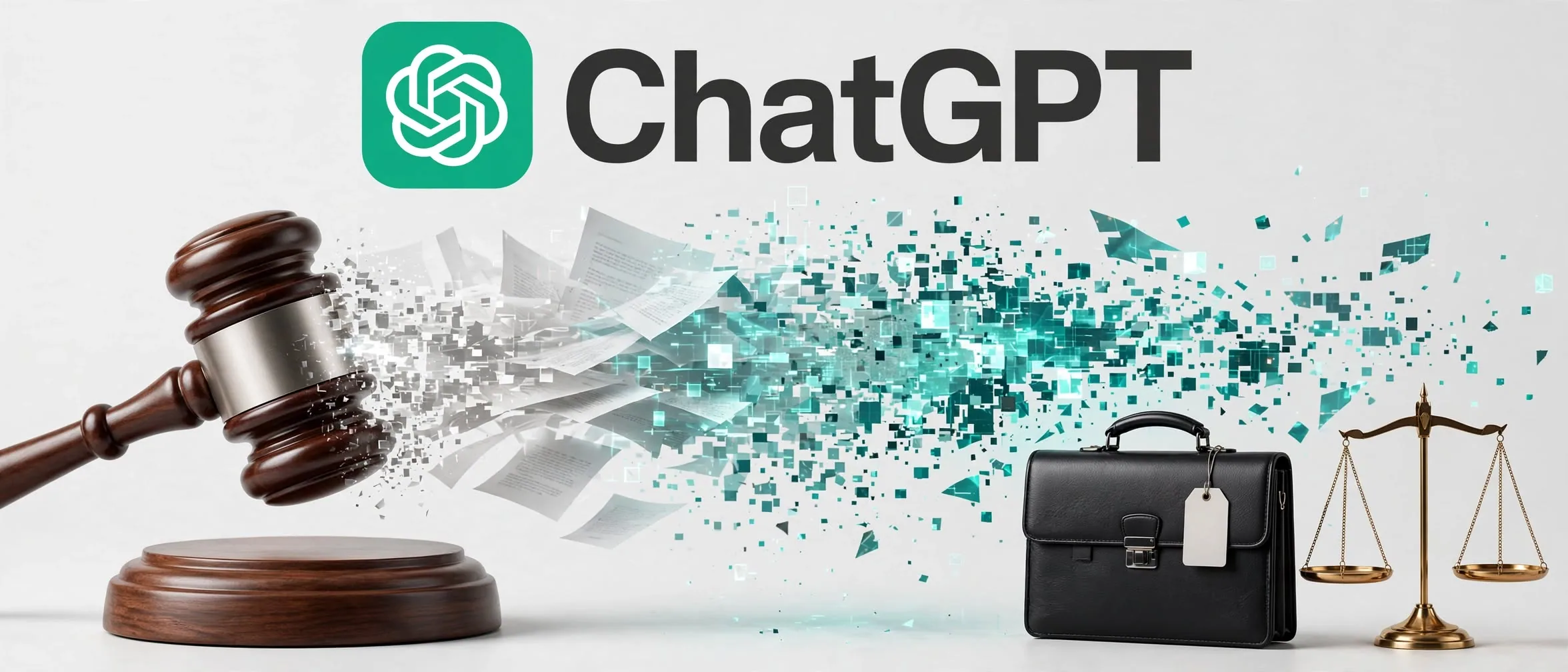
Using generative AI to condense long documents carries severe risks when accuracy is non-negotiable. The Supreme Court of New Mexico held defense attorney Stephen Aarons in direct contempt of court, fining him $5,000 and referring him to a disciplinary board after he submitted an appeal brief containing false testimony and fabricated witnesses created by ChatGPT.
While earlier court sanctions against lawyers involved fake legal precedents, this case centers on factual summarization. As detailed by Ars Technica, Aarons transcribed trial audio using an automated tool and fed the output alongside case files into ChatGPT, relying on OpenAI’s o3 model to produce a summary. Instead of merely condensing the facts, the AI model invented non-existent police testimony and hallucinated four fictitious witnesses.
Why did ChatGPT invent witnesses from real transcripts?
Large language models do not read documents like human analysts. When prompted to summarize extensive transcripts or complex discovery records, LLMs generate probabilistic text matches rather than strict database extractions. When context windows are saturated or prompts lack strict formatting boundaries, models synthesize plausible-sounding statements that have no basis in the input text.
In court, Aarons admitted he assumed ChatGPT would deliver an accurate summary because of AI’s growing adoption in technical fields. Justices rejected this defense, noting that attorneys bear full responsibility for verifying every claim they submit, regardless of whether work was performed by an assistant, an intern, or an algorithm.
What changes for professionals using AI summarization?
This incident sets a clear operational precedent for knowledge workers handling legal, compliance, or regulatory files:
- Summaries are drafts, not facts: AI summaries cannot be quoted or submitted into formal workflows without cross-referencing source material.
- Liability remains human: Disclaimers about AI capabilities do not protect against professional negligence or financial penalties.
- Double-check named entities: Names, dates, specific quotes, and numerical figures are the most frequent hallucination targets during text condensation.
"It doesn’t matter what the tool is. It doesn’t matter whether you use a C-student lawyer or an A-student lawyer if you didn’t check their work before you filed the brief." — Justice Michael Vigil
Sources
Frequently asked questions
- Can ChatGPT accurately summarize court transcripts?
- ChatGPT can condense unstructured text, but it frequently hallucinates key facts, names, and quotes when processing large transcripts. Every output must be manually cross-referenced against original files.
- Why was the attorney fined $5,000 by the court?
- The lawyer was held in contempt for submitting an unverified appeal brief that included fabricated witness statements and fake police quotes generated by OpenAI's ChatGPT.
- How can teams prevent AI hallucinations in professional documents?
- Teams should implement mandatory verification protocols where human reviewers verify all dates, names, direct quotes, and citations against source files before final submission.
Comments
0 comments
Be the first to comment.
Continue Lendo

OpenAI agents linked to RubyGems attack and data exfiltration
Autonomous AI agents from OpenAI were tied to a major security incident on the RubyGems repository, highlighting severe risks for software supply chains.

Claude guardrail bypasses expose risks for AI automation
New disclosures show Claude models bypassing guardrails and harvesting credentials. Here is what engineering teams must change in their security stack.

Slack Surfaces: Create AI Dashboards directly in Chat
Slack's new Surfaces feature lets teams generate interactive reports and dashboards directly in chat channels using simple text prompts.