ChatGPT Just Got a Lock Screen — But It Won't Hide Data From OpenAI
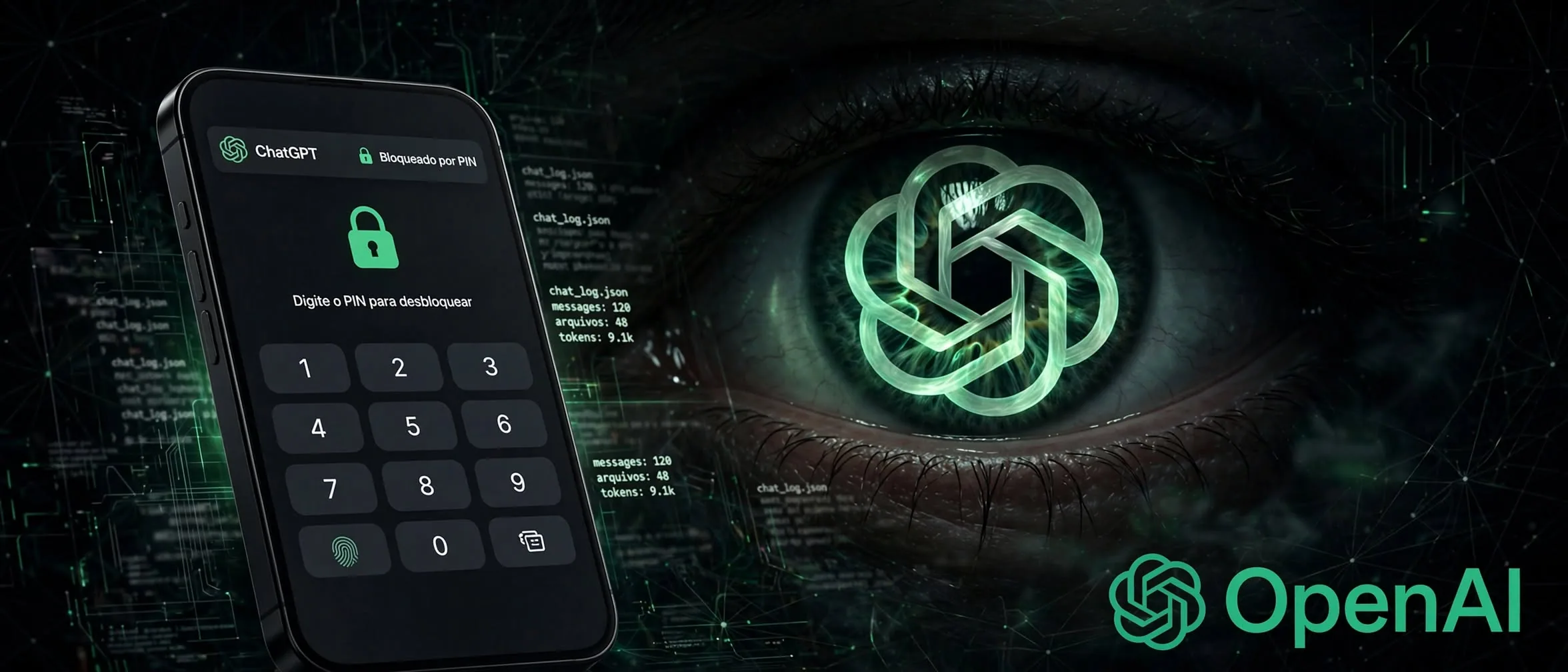
According to TechCrunch, OpenAI has introduced a long-awaited privacy layer for ChatGPT: the ability to lock individual conversations. Users can now secure specific threads behind a four-digit PIN or biometric authentication like Face ID and Touch ID.
Unlike Temporary Chats, which disappear from history entirely, locked chats remain saved. They simply move to a dedicated section away from your regular feed, pinned conversations, and search results. This allows professionals handling sensitive data or personal planning to hand their devices to coworkers or family members without exposing active work.
Where the privacy shield stops
Before relying on the feature for confidential business logic, it helps to understand its strict technical boundaries. TechCrunch notes that locking a conversation does not enable end-to-end encryption, nor does it create a separate encrypted vault on OpenAI servers.
Furthermore, locking a thread does not change how long OpenAI retains the data, nor does it remove information the model already learned before the lock was applied. It also leaves the "Improve the model for everyone" setting completely untouched.
How it works in practice
Once you lock a chat, it behaves inside its own isolated bubble. Conversations placed in the "Locked Chats" section maintain a separate memory system that does not leak new information back into your regular ChatGPT memory.
- Authentication: Secure threads with a four-digit PIN, Face ID, or Touch ID depending on your device.
- Exclusions: The lock feature is unavailable for temporary chats, archived chats, group chats, shared links, scheduled tasks, and chats with meeting recordings.
- Recovery risk: Resetting your PIN permanently deletes every locked chat, file, and piece of content protected by that previous PIN.
Is it worth using for work?
The feature rolls out broadly across Free, Plus, Pro, Business, and Enterprise plans, though it remains notably absent from ChatGPT for Healthcare. For everyday office workers sharing a tablet or phone, it offers a useful physical barrier against prying eyes.
However, because server-side retention and training settings remain active, it is strictly a screen-privacy tool rather a true zero-knowledge privacy vault. Treat it as a screen lock, not a secure vault.
Sources
- ChatGPT now lets you lock your chats — techcrunch.com
Frequently asked questions
- Does locking a chat prevent OpenAI from seeing the data?
- No. TechCrunch points out that locking a chat only restricts visual access on your device via PIN or biometrics. It does not add end-to-end encryption or change server-side data retention.
- What happens if I forget my chat lock PIN?
- Resetting your PIN will permanently delete all locked chats, files, and content protected by that previous PIN.
- Which subscription plans get the chat lock feature?
- The feature is rolling out to ChatGPT Free, Go, Plus, Pro, Business, Enterprise, and Edu plans, but is excluded from ChatGPT for Healthcare.
Comments
0 commentsDeixe seu comentário
Be the first to comment.
Continue Reading
Can a $32M Open Model Beat Big Tech? Inside Ripple-65B
Ricursive launches open Ripple-65B coding model

WhatsApp Just Added AI Outpainting: How to Expand Photos Instantly
WhatsApp tests AI to expand photo backgrounds

Google's New AI Video Tool: A Pro Workflow for Cheap Clips
Google Omni 1.2 Flash cuts video costs