Chrome's New Gemini Feature Pulls Tracking and Flight Codes Right From Your Gmail
Filling out online forms often forces a frustrating dance between browser tabs. You need a tracking number, a flight confirmation, or an order ID, which means digging through your email inbox to copy and paste the correct string of numbers.
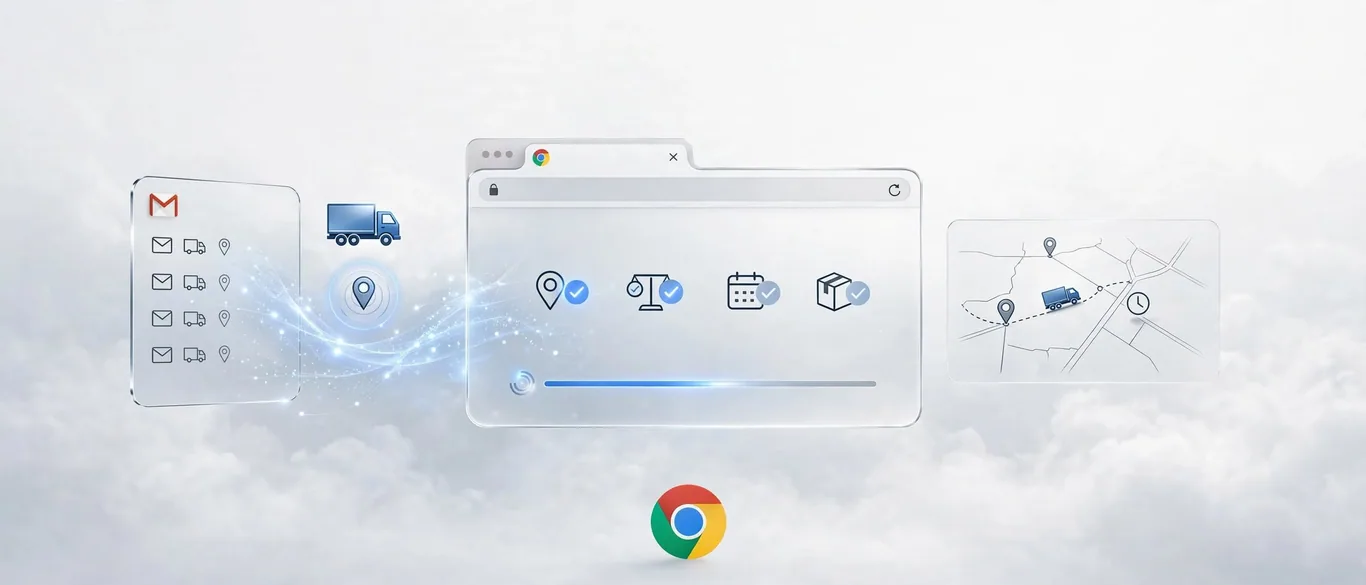
As reported by The Verge and TechCrunch, Google is updating Chrome's enhanced autofill to solve this exact friction. The browser can now use Gemini with Personal Intelligence to scan your Gmail inbox and suggest relevant details directly into form fields.
How it works in practice
Instead of manually searching for confirmation receipts or shipping updates, the updated autofill surfaces relevant data on the fly. According to TechCrunch, the capability can retrieve flight numbers, membership IDs, shipping tracking info, and recent purchase order numbers.
The feature functions similarly to how mobile operating systems automatically detect text-message verification codes. When you focus on a relevant form field, Chrome suggests the precise data pulled straight from your emails without requiring you to leave the page.
How to test and enable the feature
Google is rolling out the update to users in the United States starting today. To make sure you are ready to use it, follow these steps:
- Ensure you are using the latest version of Chrome on your desktop, Android, or iOS device.
- Open your browser settings and verify that Personal Intelligence is turned on for Gemini in Chrome.
- Navigate to any online form requiring order numbers, tracking info, or travel details to see the AI suggestions appear.
- Manage your data sharing permissions or disable the feature entirely within Chrome settings if you prefer manual input.
Is it worth using for your daily workflow?
If your routine involves heavy administrative work, repetitive data entry, or constant booking management, this integration saves valuable minutes. While security concerns around email scanning always exist, Google notes that sensitive data remains encrypted and under user control.
For professionals who regularly handle logistics or travel planning, eliminating the tab-switching habit removes a persistent workflow bottleneck.
Sources
Frequently asked questions
- What information can Chrome's enhanced autofill pull from Gmail?
- It can retrieve details such as shipping tracking numbers, flight booking codes, hotel reservations, membership IDs, and recent purchase order numbers.
- How do I activate the new Gmail autofill feature in Chrome?
- You need to enable Personal Intelligence for Gemini in your Chrome settings on desktop, Android, or iOS, provided the feature is available in your region.
- Is my sensitive email data secure when using this feature?
- Google states that sensitive data presented as suggestions remains encrypted, and users retain full control to manage permissions or turn the feature off.
Comments
0 commentsDeixe seu comentário
Be the first to comment.
Continue Reading

Meta Quietly Fixed AI Chat Clutter: What Are Muse Spaces?
Meta introduces custom spaces for Muse agents

Perplexity's $200 AI Agents: Are They Worth the Premium?
Perplexity launches always-on workplace AI agents

Can OpenAI's GPT-6 Cyber Finally Stop AI From Hacking Random Networks?
OpenAI launches GPT-6 Cyber with fewer rogue exploits