Google's New Privacy Policy Opens Gmail Data to AI Ads
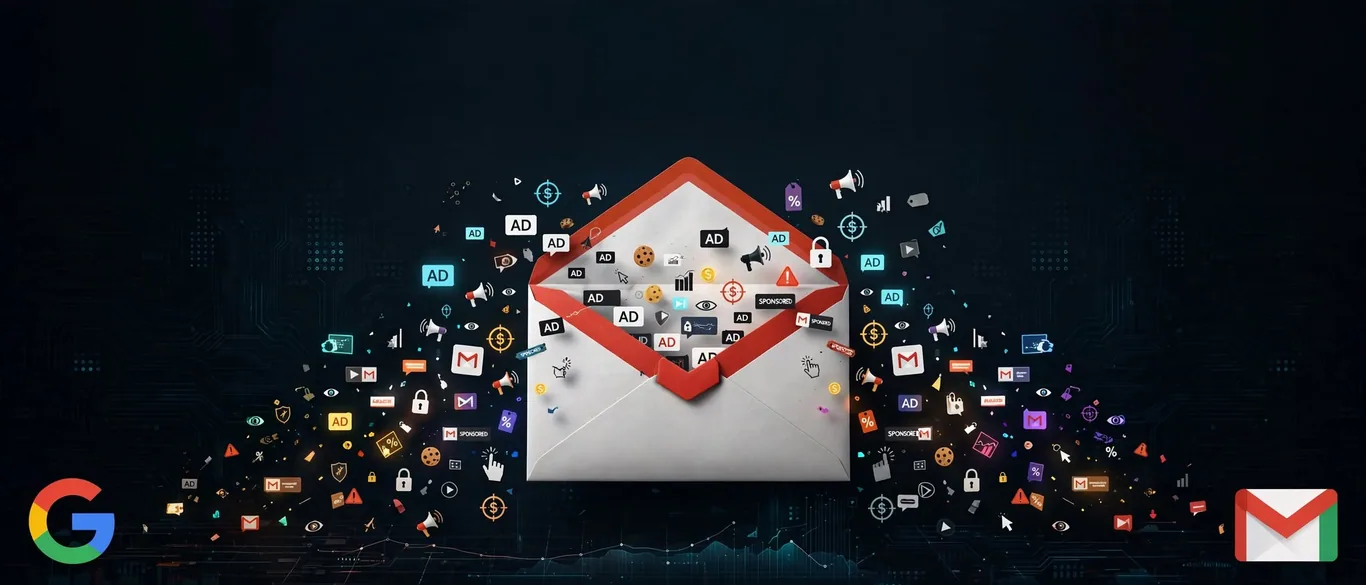
According to Ars Technica, a recent update to Google's privacy policy removes a long-standing firewall that explicitly barred personal data from Gmail, Drive, and Photos from touching ad personalization.
How Personal Intelligence Bridges Your Inbox and Ads
The shift stems from Personal Intelligence, a feature launched by Google to feed data from multiple personal apps into AI products like Gemini and AI Search. While Google maintains it does not directly scan your inbox for ads, sharing data with AI search tools means summaries and insights derived from your personal content can indirectly shape the sponsored results you see.
Steps to Disable Personal Intelligence and Protect Your Data
Because Google often prompts users to enable this feature without clearly spelling out the consequences, many professionals turn it on by accident. To ensure your personal and work emails never feed ad targeting, you need to manually turn off the setting.
- Open your main Google account settings and go to Data & privacy.
- Navigate to Personalization settings and select Manage Personalized Recommendations in Search Services.
- Click on Connected Content Apps.
- Disable the connections to Workspace (Gmail/Drive) and Google Photos.
Is It Worth the Privacy Risk for Your Work Routine?
For most professionals handling sensitive communications, the convenience of having an AI read your inbox to draft replies is outweighed by the data-sharing implications. If your workflow involves confidential client documents or private messages, keeping Personal Intelligence enabled introduces an unnecessary privacy minefield for a marginal boost in search convenience.
Sources
Frequently asked questions
- Does Google directly scan my Gmail inbox for advertising?
- According to Google, it does not scan your entire inbox for ads. However, if you pipe personal data into AI search tools via Personal Intelligence, the insights generated from your emails can inform sponsored content.
- How do I stop Google from using my connected apps for AI?
- You must manually disable connected content apps through your Google account settings under Data & privacy, Personalization settings, and Connected Content Apps.
Comments
0 commentsDeixe seu comentário
Be the first to comment.
Continue Reading
Why AI Safety Auditors Are Flooding Reviewers With False Alarms
AI auditors catch errors but trigger false alarms
Can Mira Murati’s New Open Model Beat China? Here’s the Catch
Thinking Machines launches Inkling 2 Small
When AI Clears 80% of Fraud Queues, Where Do the Analysts Go?
Nubank cuts anti-fraud team after AI automation