ChatGPT Can Now Read Your Open Chrome Tabs
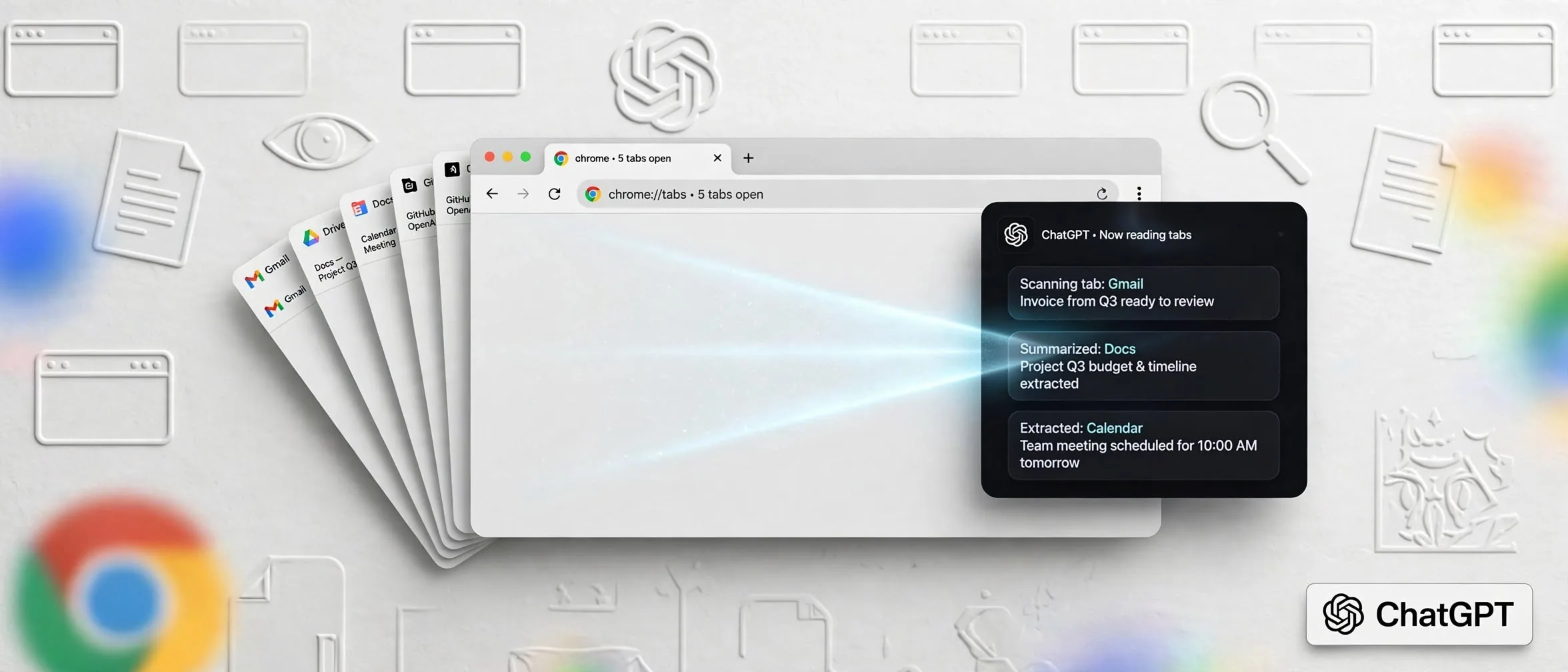
According to The Verge, OpenAI has dropped plans for its standalone ChatGPT Atlas browser and is instead upgrading its Google Chrome extension. The new update allows the AI to directly access and analyze the web pages you already have open.
How this changes your research workflow
Instead of copying and pasting text from multiple websites, you can now summon ChatGPT to handle cross-referencing on the spot. If you are comparing software pricing, looking up event details, or checking technical specs across different tabs, the AI pulls the data instantly.
The integration also brings full chat history and workspace tools directly into the Chrome sidebar, letting you execute tasks without breaking your focus.
How to use Chrome tabs in ChatGPT
To use this feature in your daily routine, follow these steps:
- Install or update the official ChatGPT extension in your Google Chrome browser.
- Open the specific web pages or tabs you want the AI to analyze.
- Go to the ChatGPT web or desktop app and type your prompt using the @chrome tag to reference your active tabs.
- Review the generated output, such as a vendor comparison table or a filled-out form draft.
Verdict: is it worth adding to your routine?
If your work involves heavy desk research, comparing multiple web sources, or filling out repetitive online forms, this update removes a major friction point. It eliminates manual tab-switching and data copying, turning your browser into an active workspace for the AI.
Sources
- ChatGPT can peek at your Chrome tabs now — theverge.com
Frequently asked questions
- Does ChatGPT read all my open Chrome tabs automatically?
- No. ChatGPT only accesses your open tabs when you explicitly tag Chrome or invoke the extension during your session.
- Can ChatGPT fill out web forms for me?
- Yes. The updated extension can interact with open tabs to fill out forms, draft emails, and organize your browser tabs.
Comments
0 commentsDeixe seu comentário
Be the first to comment.