ChatGPT Images 2.5 Adds Sketch Mode and Dual-Model API
Alex da Cruz
Alex da Cruz is a full-stack developer based in São Paulo, Brazil. He works with React, TypeScript and automation, and uses AI daily to solve real problems in code and operations — not as a demo. He has run an e-commerce operation end to end, and now builds and maintains the automation pipeline behind this blog. He writes about what he actually tests.
OpenAI updated its visual stack with ChatGPT Images 2.5, focusing on faster response times and direct canvas controls. The update addresses a common friction point in AI workflows: adjusting an image without rebuilding the text prompt from scratch.
What changes in execution speed and image quality?
OpenAI claims generation latency dropped by up to 50% compared to Images 2.0. In practical terms, a render cycle that previously took roughly 30 seconds now completes in 15 seconds, accelerating iterative refinement during prototyping tasks.
Coverage from The Verge highlights visual enhancements including more natural lighting and richer textures. The model also demonstrates better retention of core subject characteristics across multiple editing passes.
How does the new Sketch tool alter visual feedback?
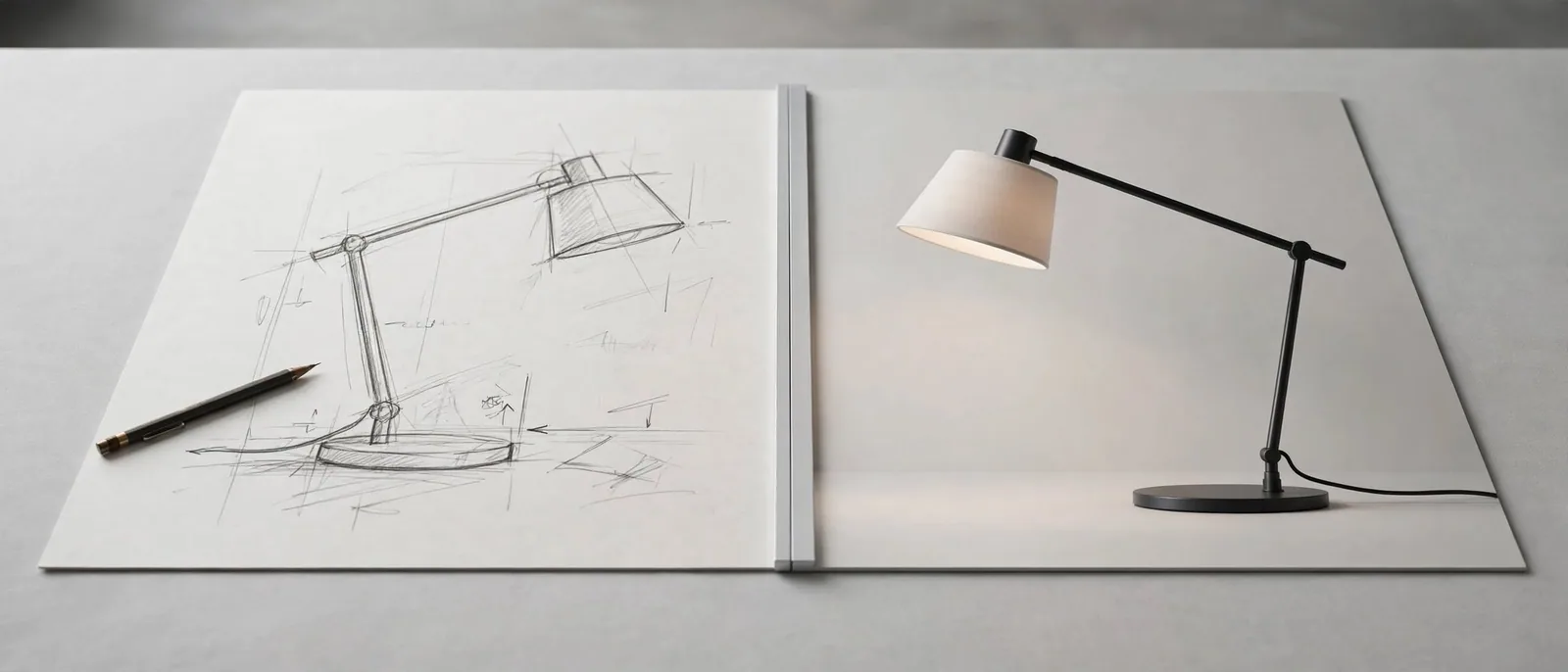
Users can activate a canvas overlay inside the chat window by typing @Sketch. Instead of relying solely on text descriptions to describe spatial positions, creators can draw rough shapes with a mouse or stylus directly over the interface.
The feature integrates with regional commenting. Rather than requesting a full regeneration, users can select a specific segment of a generated image—such as changing eye color or adjusting background placement—and prompt changes strictly within that target area.
Which API model fits your workflow?
While mainstream coverage focused on consumer controls, technical documentation analyzed by developer Simon Willison reveals two distinct API endpoints:
- gpt-image-2.5-sunburst: Designed for complex multi-turn editing where retaining subjects from reference photos is critical.
- gpt-image-2.5-flare: Optimized for high-throughput, routine generation where output speed takes priority over complex instruction tracking.
According to data cited in the release, OpenAI's image models have processed over 3 billion image generations across ChatGPT and API endpoints. The separation into specialized API tiers gives engineering teams explicit control over latency costs versus output fidelity in custom pipelines.
Sources
- ChatGPT Sketch turns your bad drawings into detailed AI images — The Verge
- Introducing ChatGPT Images 2.5 — Simon Willison's Weblog
Frequently asked questions
- How do I access the Sketch feature in ChatGPT?
- Type @Sketch in the prompt box on web or mobile to open the interactive canvas overlay where you can draw doodles or annotate existing images.
- What is the difference between Sunburst and Flare API models?
- Sunburst prioritizes editing precision and subject retention across prompts, while Flare offers faster generation times for high-volume standard tasks.
- How much faster is ChatGPT Images 2.5 compared to 2.0?
- OpenAI reports up to a 50% reduction in image generation latency compared to the previous version.
Comments
0 comments
Be the first to comment.
Continue Lendo
ChatGPT vs Claude: Which Is Better for Work in 2026?
ChatGPT vs Claude: the question has changed For a long time, comparing ChatGPT and Claude meant asking which model “answered better.” In 2026, that comparison has become less useful. Both products hav

Suno v6: AI Music Generator Adds Licensed Data and Direct Edits
Suno v6 brings licensed label audio and targeted chat editing, but ongoing lawsuits mean corporate creators still need to weigh legal risks.
Meta Muse AI Agent: Workflows, Pricing, and Security Controls
Meta enters autonomous AI execution with Muse. Here is how its API connectors, pricing tiers, and virtual security controls function.