Claude Can Now Build Interactive Websites Inside Canvas Graphics
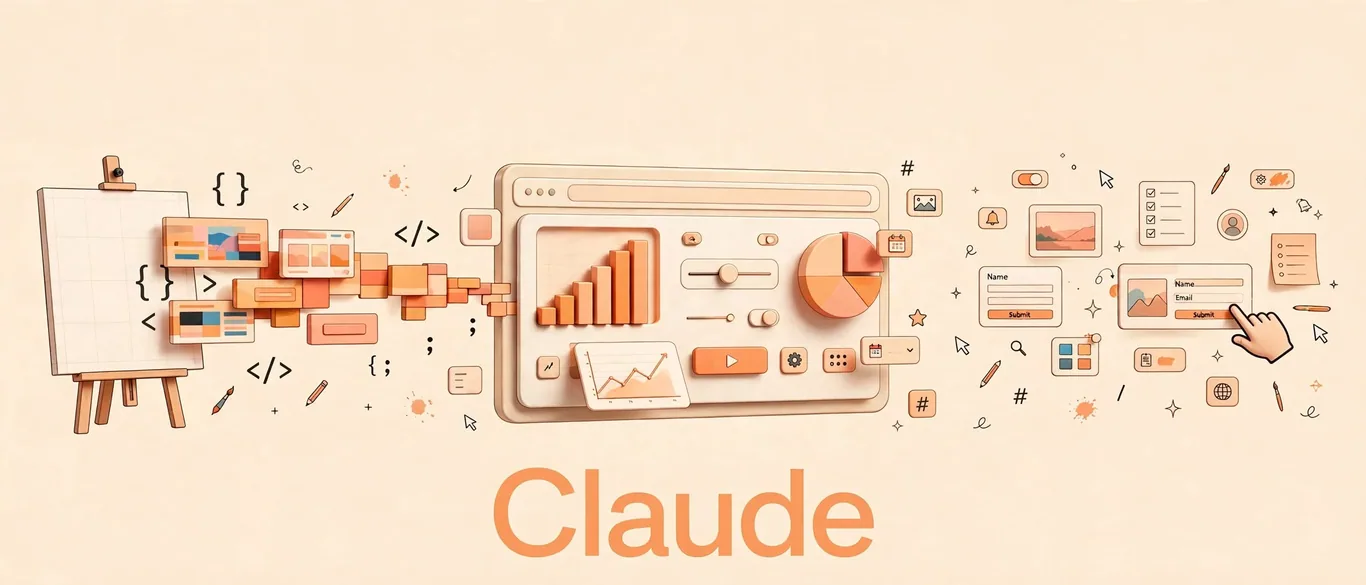
According to The Decoder, Anthropic's Claude can now embed real text, buttons, and other interactive elements directly inside complex canvas graphics and 3D effects. This approach bypasses the traditional web tradeoff where standard elements are functional but hard to warp visually, while flat canvas images prevent text selection or link clicking.
How HTML-in-Canvas works in practice
Felix Rieseberg, who works on Claude at Anthropic, noted on X that the feature allows the assistant to build complex sites reminiscent of the Flash era. A public demo showcases 15 different examples, including web pages rendered as knitting patterns, 3D cubes, and exploded layer views, while keeping the underlying text fully selectable and copyable.
Step-by-step: How to access and use the feature
To test this capability in your workflow, you need to meet specific technical requirements since the feature is not enabled by default across all environments.
- Ensure you are running Claude's desktop app starting from version 5.11492.
- Use a compatible browser such as Google Chrome or Microsoft Edge, starting with version 157. Safari and Firefox do not support HTML-in-Canvas yet.
- Explicitly ask Claude for HTML-in-Canvas in your prompt to trigger the rendering behavior.
Is it worth it for your workflow?
If you build visual prototypes, landing pages, or experimental web interfaces, this feature cuts down the friction between design and functionality. However, because it relies on cutting-edge browser standards currently limited to Chrome and Edge, deployment requires caution if your target audience uses Safari or Firefox.
Sources
Frequently asked questions
- What browsers support Claude's HTML-in-Canvas?
- The feature works in Google Chrome and Microsoft Edge starting with version 157. Safari and Firefox do not support it yet.
- Do I need a specific desktop app version?
- Yes, you need Claude's desktop app from version 5.11492 onwards, and you must explicitly request HTML-in-Canvas in your prompt.
AI Briefing in 3 Minutes
Get what actually matters in AI & tech delivered free to your inbox. Zero spam, 1-click unsubscribe.
Comments
0 commentsDeixe seu comentário
Be the first to comment.
Continue Reading

Is OpenAI Coming for Your Security Team? Meet Daybreak
OpenAI lança ferramentas de cibersegurança Daybreak

ElevenLabs Wants Your Team’s Meeting Data: Is ElevenAI Ready?
ElevenLabs lança ElevenAI para reuniões corporativas
Why AI Voice Assistants Keep Interrupting You — And the Fix
ElevenLabs Scribe v3 Live fixes voice agent interruptions