Google Just Let You Turn Notes Into Interactive Websites Instantly
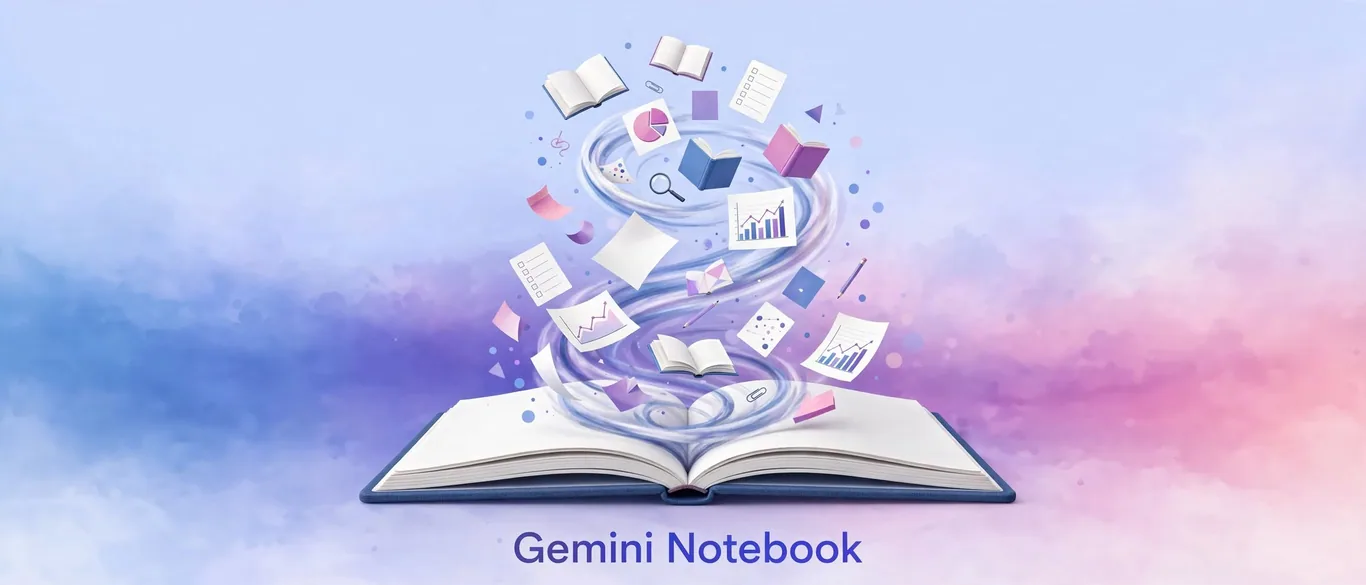
According to Tecnoblog, Google has updated its study-focused AI platform—formerly known as NotebookLM and now rebranded as Gemini Notebook—with the ability to generate fully functional interactive websites straight from user notes.
How to turn your notes into a live web page
Building a website from your documents requires no coding knowledge. You simply type a prompt indicating what you need, such as specifying content length, layout structure, images, and interactive elements like quizzes.
To ensure the output stays reliable, you can feed specific books, reference links, PDFs, and personal notes directly into the platform. The AI restricts its generation to these provided sources, drastically reducing the risk of hallucinations compared to standard chatbots.
Is it worth using for daily work and study?
For professionals and students looking to quickly synthesize dense material into digestible formats, this feature eliminates hours of manual formatting. You get a shareable link that opens in any browser, complete with step-by-step reading sections and practice tests.
However, as Tecnoblog points out, users must still be over 18 to access the platform, and mobile app support is arriving later. Since it runs on AI technology, reviewing the generated pages for accuracy remains essential.
Sources
Frequently asked questions
- What is Gemini Notebook?
- It is Google's rebranded study and research platform (formerly NotebookLM) designed to process personal notes, PDFs, and books into summaries, audio, and now interactive websites.
- How do you create a website in Gemini Notebook?
- You simply type a text prompt starting with 'Create a site...', specifying your preferences for length, images, and quiz sections while attaching your reference documents.
- Who can access this feature?
- According to Tecnoblog, the feature is currently available within the Gemini Notebook platform for users over 18 who subscribe to Google Workspace.
AI Briefing in 3 Minutes
Get what actually matters in AI & tech delivered free to your inbox. Zero spam, 1-click unsubscribe.
Comments
0 commentsDeixe seu comentário
Be the first to comment.
Continue Reading

Microsoft's New AI Model Rivals Claude Opus at 5% the Cost
Microsoft launches cheap AI model to cut costs
Google Just Handed Everyone a Free Video Avatar Studio: Here's How
Google Vids adds free personal video avatars

Gemini Finally Lets You Keep Chat History Without Training AI
Google separates Gemini training and chat history