Google Just Handed Everyone a Free Video Avatar Studio: Here's How
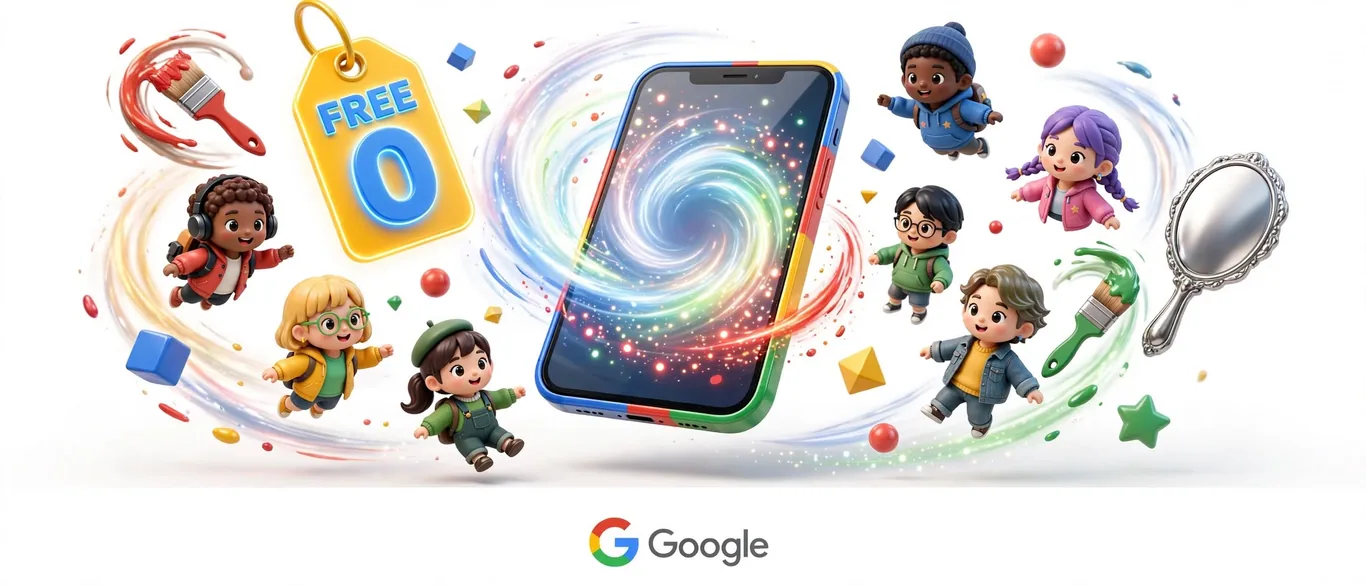
According to the official Google Workspace blog, Google Vids now provides free personal digital avatars for any standard Google account holder. Instead of paying hundreds for dedicated synthetic video software, creators can build their digital likeness directly in the browser.
How does the avatar creation process work?
The feature eliminates traditional filming setups like lights, microphones, and multi-take video editing. Users scan a QR code using a mobile device to capture their visual likeness and voice, which then automatically populates into the Google Vids workspace.
Once generated, the avatar stays saved inside your project library. You simply type the script you want the avatar to narrate, and the tool builds the video sequence automatically across your chosen scenes.
How to use Google Vids avatars on Monday morning
For professionals who regularly record status updates, training modules, or internal presentations, this removes the friction of retaking video clips when scripts change. If a paragraph in your corporate presentation updates, you only need to edit the typed text rather than setting up your camera equipment again.
Because the feature is tied directly to individual Google Accounts and restricted strictly to the account holder's personal likeness, it establishes a built-in safety boundary against unauthorized cloning by third parties.
Is it worth it for your workflow?
If your job involves churning out routine explanatory or educational videos, this tool saves hours of production and editing time. However, it remains a browser-based utility tailored for structured workplace communication rather than cinematic production.
How to test or access the feature
- Open your desktop browser and go to vids.new.
- Log in with your standard personal Google account.
- Follow the setup prompt to scan the QR code and register your likeness and voice.
- Type your video script and insert your newly saved avatar into the project timeline.
Sources
Frequently asked questions
- Who can access free personal avatars in Google Vids?
- The feature is available to anyone with a personal Google account directly through the desktop browser.
- Do I need a camera or studio setup to make an avatar?
- No. You only need to scan a QR code with your phone to capture your likeness and voice, then type your script.
AI Briefing in 3 Minutes
Get what actually matters in AI & tech delivered free to your inbox. Zero spam, 1-click unsubscribe.
Comments
0 commentsDeixe seu comentário
Be the first to comment.
Continue Reading

Gemini Finally Lets You Keep Chat History Without Training AI
Google separates Gemini training and chat history
Apple Just Put Daily Limits on Advanced Siri AI: What's the Catch?
Apple tests daily usage limits for Siri
Claude Can Now Build Interactive Websites Inside Canvas Graphics
Claude builds interactive websites inside canvas