Microsoft Copilot Gains Local File Control on Windows
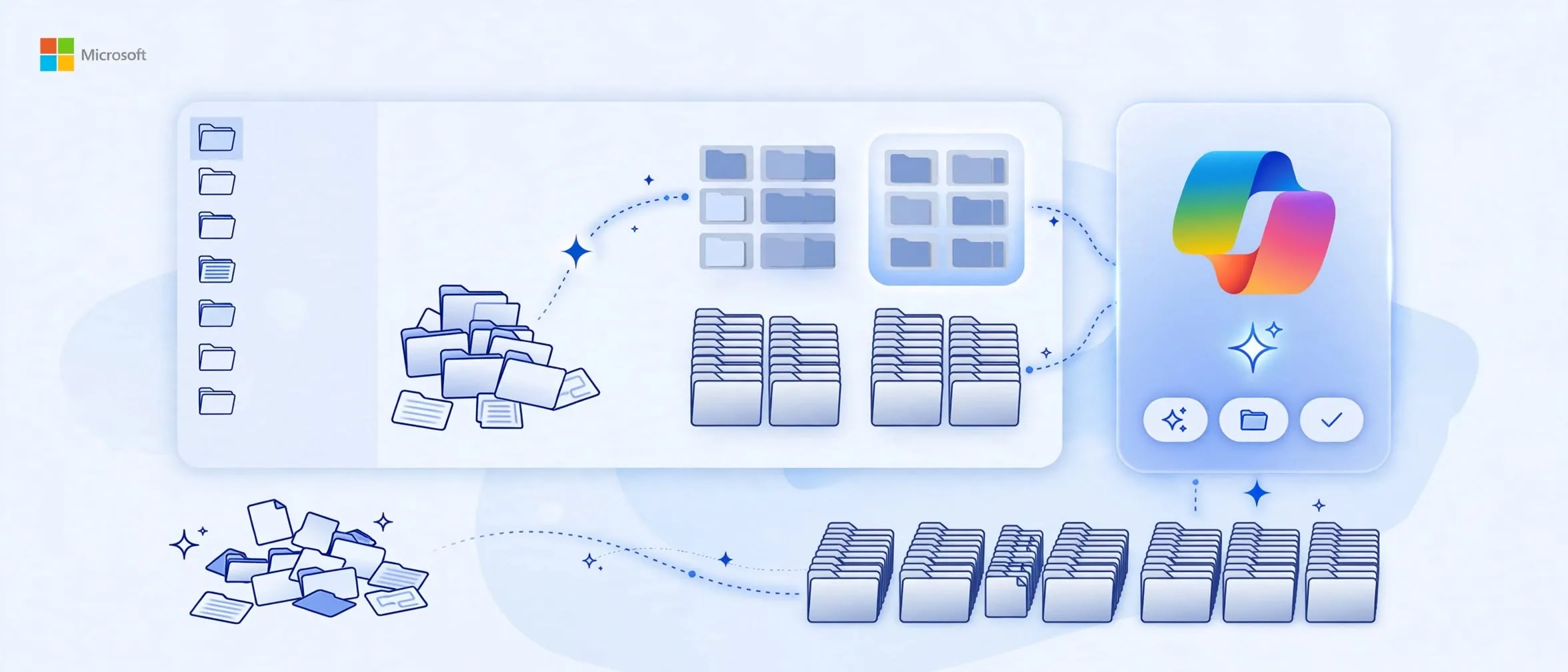
Microsoft is integrating local file access directly into Copilot, shifting the assistant from a cloud-only chat window into an active participant on your desktop. Revealed at a hardware and software event, the update introduces what the company calls Hybrid Intelligence.
How does Hybrid Intelligence change desktop tasks?
Instead of manually hunting for documents across multiple directories, users can delegate multi-step file management tasks directly to the AI agent. During a stage demonstration reported by The Verge, executive Jacob Andreou showed the system scanning local folders for tax documents, renaming files, bundling them into a zip archive, and drafting an outgoing email.
This capability bridges the gap between searching for data and executing actions. Rather than just retrieving information, the system performs the operational busywork required to complete a project.
When will these features arrive on your PC?
According to Microsoft, features powered by Hybrid Intelligence will roll out to Copilot users over the next couple of months. Additionally, an updated Windows search bar will debut this fall, allowing users to execute rapid configuration changes—such as toggling dark mode or adjusting microphone levels—directly from the search interface.
Sources
Frequently asked questions
- What is Hybrid Intelligence in Windows Copilot?
- Hybrid Intelligence is a system architecture combining local and cloud AI models to let Copilot interact directly with local files and operating system functions.
- When will local file control be available?
- Microsoft announced that features powered by Hybrid Intelligence will roll out to Copilot users over the next couple of months.
Comments
0 commentsDeixe seu comentário
Be the first to comment.
Continue Lendo

OpenAI Decisions API: 10x Faster Classification for $0.10
OpenAI's new Decisions API speeds up text and image classification by 10x, priced at $0.10 per million input tokens.
Google Gemini Call for Me: automating quick personal calls
Google Gemini's rumored update brings automated personal phone calls and granular app permissions to your daily workflow.

Cloudflare Clef: 39ms AI Decision Models for Autonomous Agents
Cloudflare's new Clef models bring 39ms decision-making to AI agents, removing humans from routine workflow loops.